
Crank'Box: a desktop publishing platform for multi-site news brands
A native desktop app that lets a small team run several branded news sites from one place — pick a template, customise it, write and manage content, and push it live without touching a server.
The brief
Running a branded news site is easy to want and hard to operate: every new site means a developer, every content update means a deploy, and every brand tweak means someone touching CSS. We set out to build a single desktop tool that collapses that whole chain — site creation, branding, writing, and publishing — into something a non-technical editor can run themselves.
Start from a template, not a blank repo
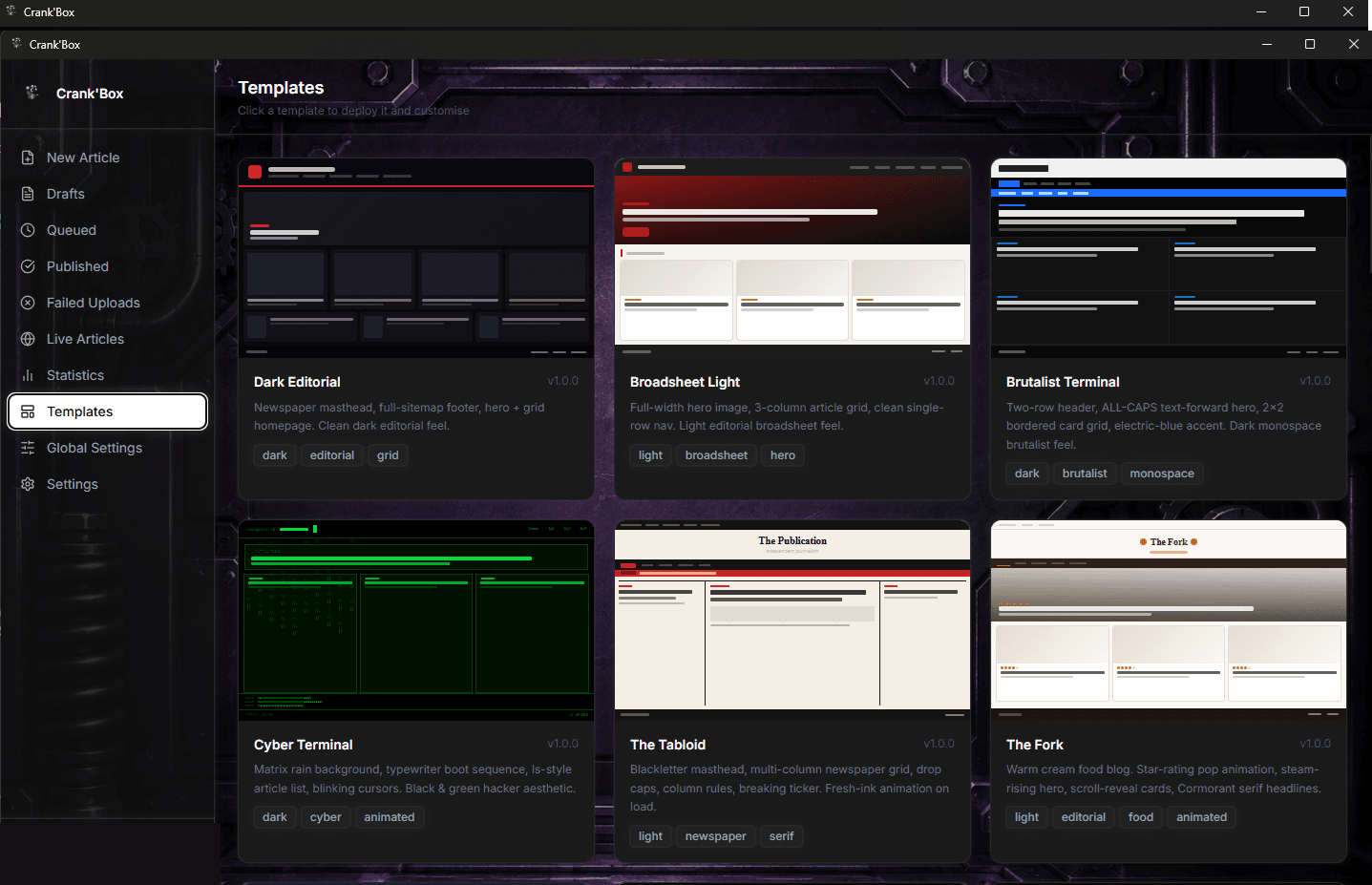
Crank'Box ships with a library of ready-made Next.js site templates — 37 as of writing, from a clean editorial layout to a tabloid-style grid to an all-caps brutalist terminal theme — each independently deployable. Picking one deploys a working site; there's no scaffolding step.
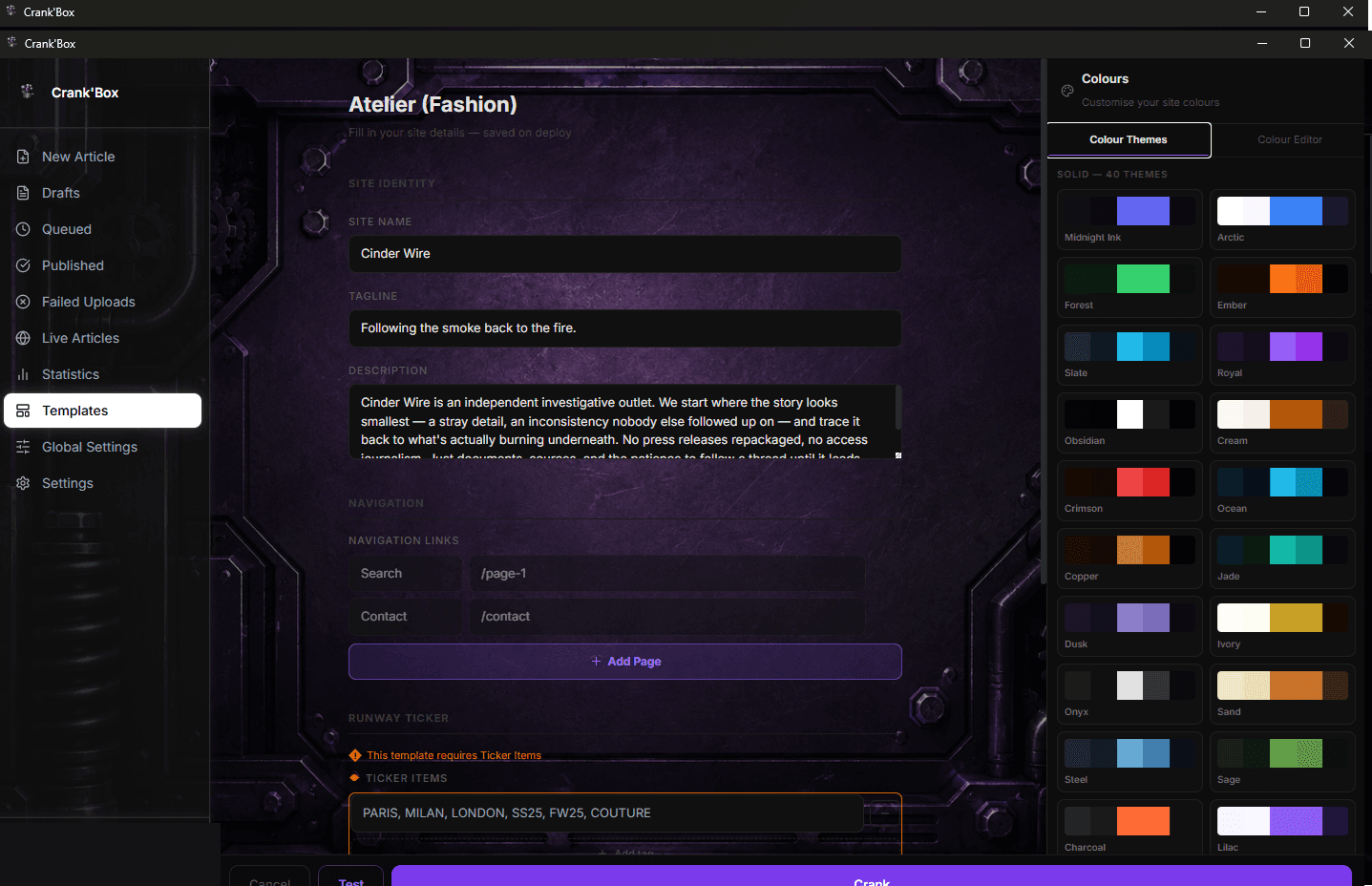
Branding is a form, not a code change. Site name, tagline, navigation links, and either one of 40 built-in colour themes or a manual colour editor all feed directly into the deployed site's styling — so a rebrand is a few form fields, not a pull request.
Writing, queuing, and publishing
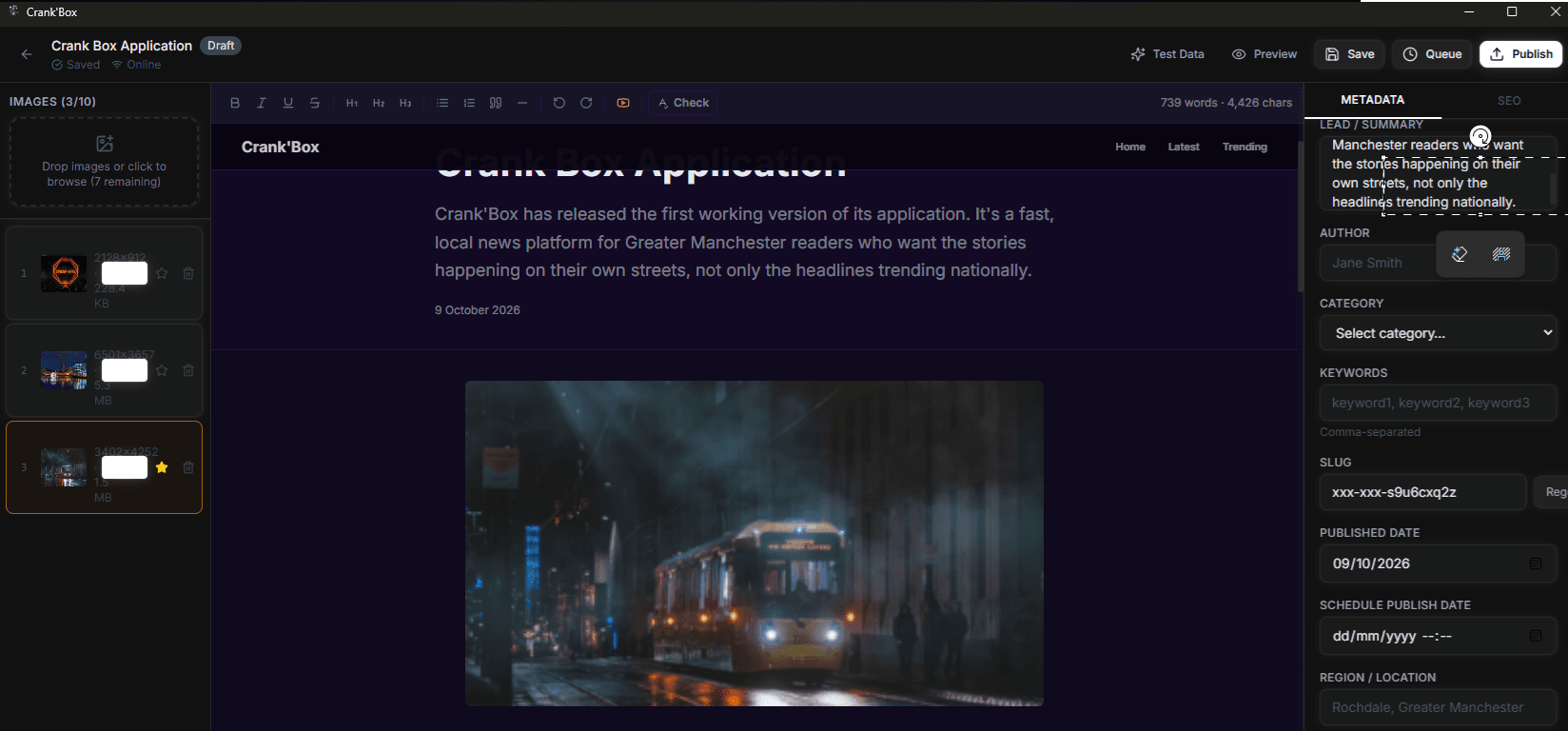
The editor is a full rich-text environment — headings, lists, quotes, embeds — alongside SEO fields (slug, meta title and description, keywords), scheduling, and region tagging. Images are optimised automatically on import: each one is re-encoded and a web-sized version and thumbnail are generated, so writers never have to think about file weight. An article moves through draft, queue, and publish states, and going live is a single action from inside the editor.
One login, several sites
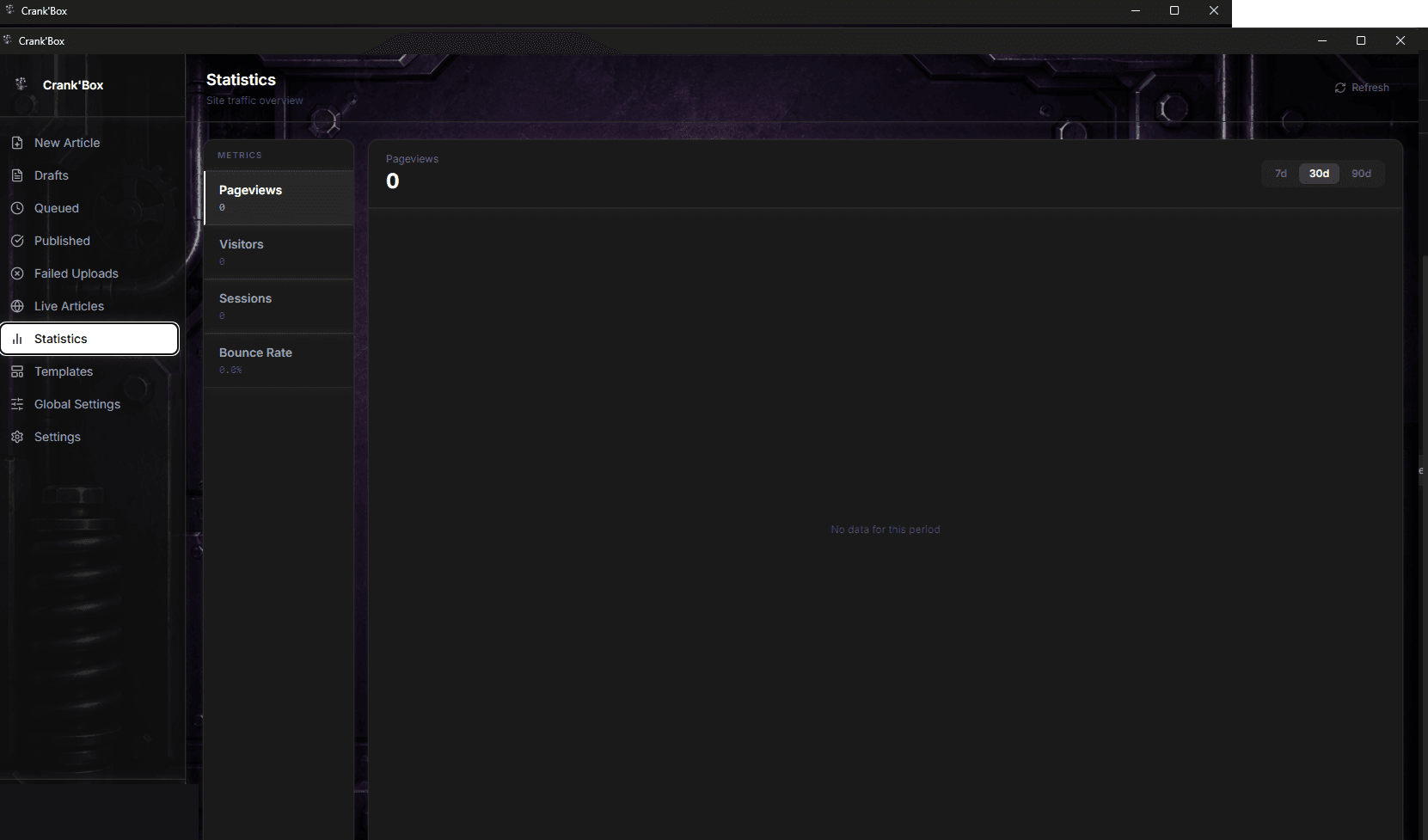
The app is built to be multi-tenant from the ground up: one account can manage multiple sites, each with its own branding, content, and basic traffic statistics, without needing a separate install or a separate login per site.
Where it stands
The core pipeline — template deploy, theming, editorial workflow, and publishing — runs end to end as a native desktop app built on Tauri, with a React/TypeScript front end and a Rust backend. This is the kind of tool we build when an off-the-shelf publishing platform doesn't fit the brief: software shaped around how the work actually happens, not the other way round.